Author: Tarryn-Leigh Frans
Tarryn-Leigh is the Marketing Manager at PPO. She is enthusiastic about business improvement and is keen to share information and influence change. In her free time, she loves traveling, reading, and spending time with her husband and dogs.

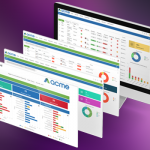
After months of hard work, we’re delighted to unveil PPO’s customisable home page! Until now, all information on your Home Page was displayed in tables only. It’s time to say goodbye to lists and tables and hello to a new visualised view of your portfolio, project and project related items.
In our final new feature webinar for 2023, the configurable home page, multiple filter selection and BI API enhancements were showcased. If you couldn’t make it to the live webinar, well, the good news is that we recorded the session, so you can still take advantage of everything we learned!
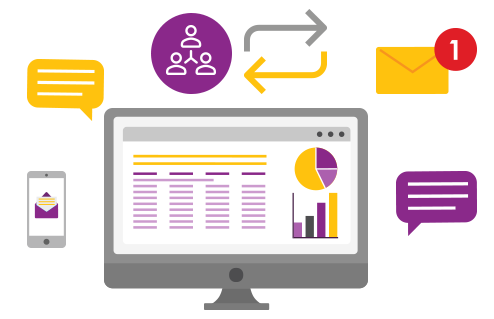
While we’ve been making large improvements to PPO recently this post highlights the some of the smaller improvements we’ve made.

The third webinar of 2023 introduced the Board Views, Interactive Dashboards and provided a sneak peek into the soon to be launched Configurable Home Page. We know that not all our users could make it, but we hope you’ll watch the recording!

So far, we’ve brought you the My List, Calendar, Key Metric, Donut & Bar Chart widgets and at the start of the next quarter, you can expect to see these widgets on your new Configurable PPO Home Page.
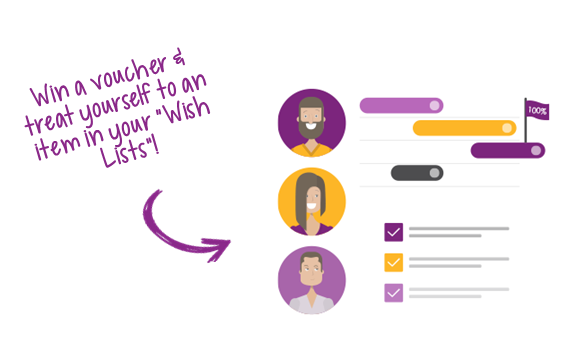
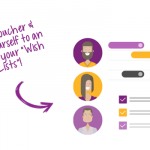
Send us a video, screen shot and/or description of how you’re using “My Lists” in PPO to mylists@go2ppo.com and stand a chance to win a voucher and treat yourself to an item in one of your “Wish Lists”!
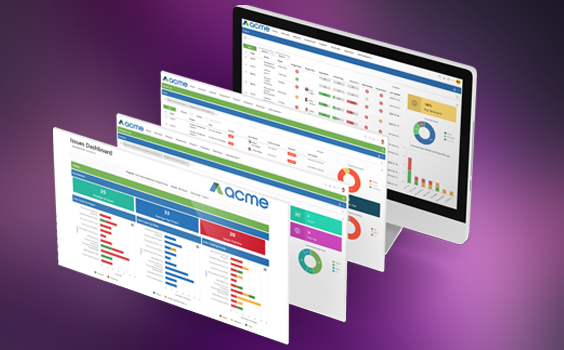
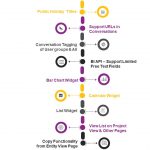
We’ve made a number of huge enhancements over the past few months (Copy from Entity View, Send to Feed Business Rule, Calendar, My Lists & Bar Chart Widgets) but we’ve also released a few smaller enhancements this month that you might’ve missed! These enhancements (while small), we know will help to improve your user experience.
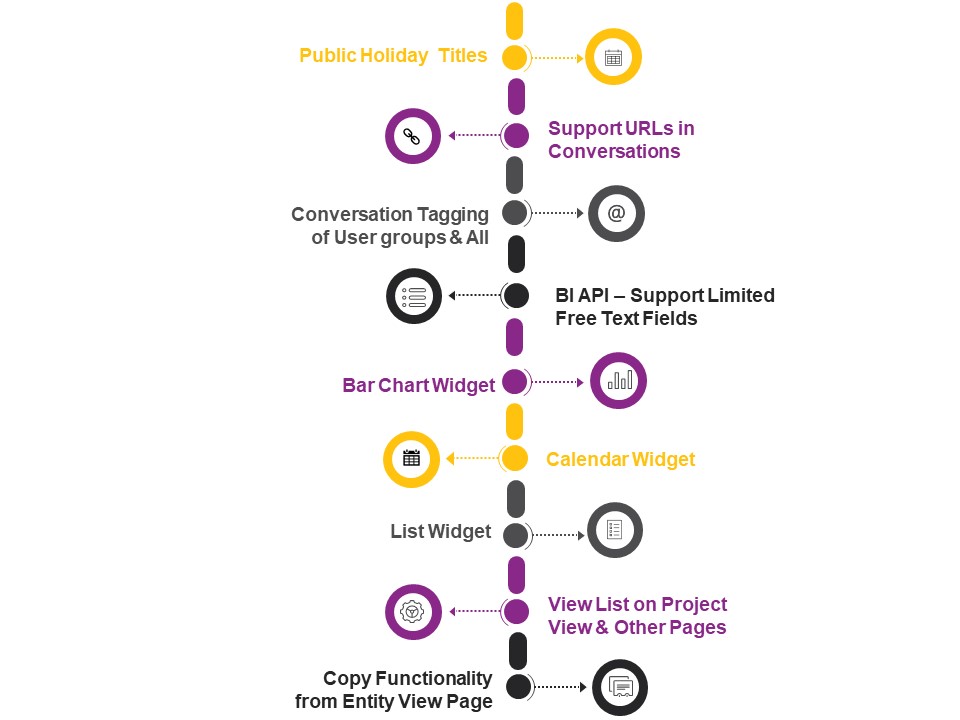
The new feature product webinars introduced the Bar Chart, Calendar & My List Widgets and sneak peek into what’s planned for the rest of the year.

Catch Up on PPO’s most recent smaller but helpful enhancements that will improve your PPO experience. In the spirit of simpler, better and faster, we’ve got some new enhancements to user groups, public holidays, BI API, filters, viewing feed items on mobile devices and more….
While we’re being honest, our DevOps team loves the excitement of bringing our clients new features, but the real reward is in seeing our users adopt new ways of work and improve collaboration within their PMOs. And that’s where the PPO Product Webinars come in. Whether you’re just getting started with PPO, or you’re a seasoned user, there’s always something new to discover and ways to improve! So make sure that you’ve “saved the date” for this year’s remaining product webinars.