Author: Lindi Gerber
Lindi, as the Support Manager at PPO, is the heartbeat of the PPO support desk and the sensei to her support ninjas. Lindi loves spending time with her family, catching up on series, shopping , and she is a true wine aficionado.
Identifying and plugging data gaps has never been this easy! As we all know, complete and accurate data is essential for effective management of your portfolio of projects and is crucial for generating reliable reporting.
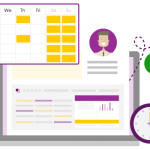
As users spend more and more time in PPO, we’ve seen the need to provide you with quick access to links from your new Configurable Home Pages, so today we’re rolling our new newest widget, the My Links Widget.
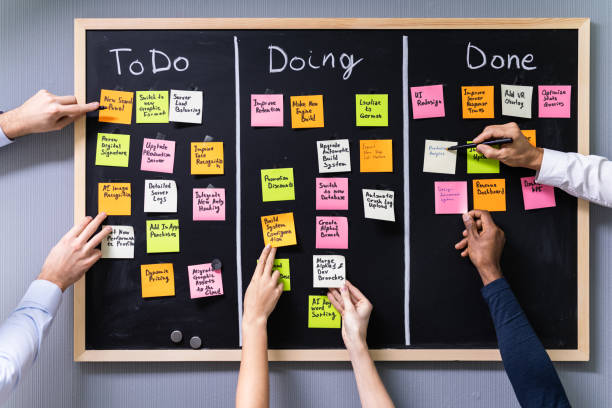
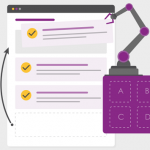
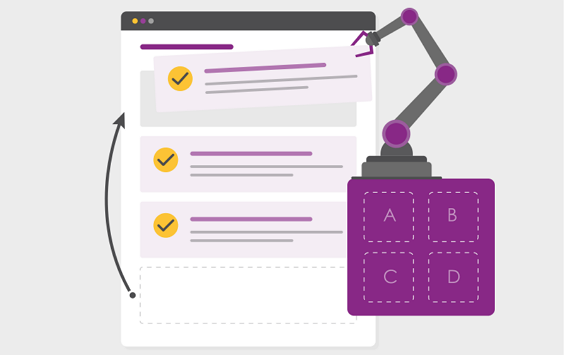
We’ve now made using the board so much easier by providing you the ability to edit the data on the cards without having to go to a new page, and YES, you guessed it, drag & drop of the cards!
We are excited to announce that we have improved the list controls in PPO! You can now select multiple values in Lists when using the Filter Control on all List Pages! Watch the short video!
We recently deployed the ability to use date fields for filtering on list pages in PPO by using various pre-defined date filters. We have now further enhanced this feature to allow the ability for you to see when last something was updated in PPO by using the Last Updated date field!
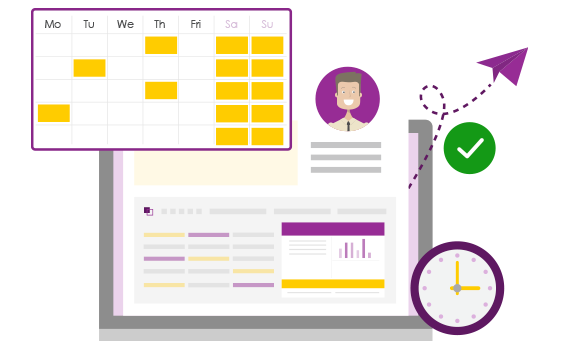
Filtering on date fields has been made easier by enhancing the filtering functionality on list pages to allow you to select various pre-defined date filters. Gone are the struggles of building your own filters to see which projects were logged in the last week or which benefits are planned for realisation this month.
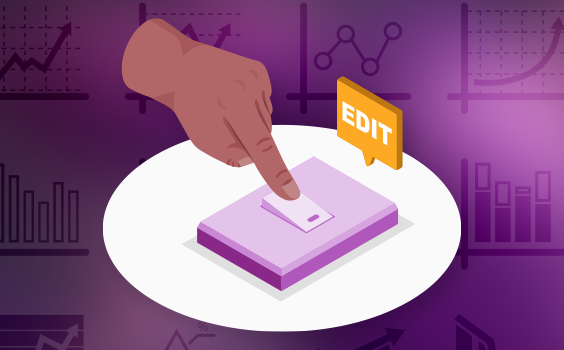
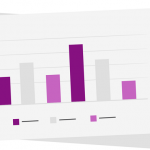
Have you ever wanted to edit a widget without having to re-create it from scratch? Have you had the need to create a chart widget based on an existing one but using different fields, then realising you can’t copy widgets? Well, PPO now has you covered!
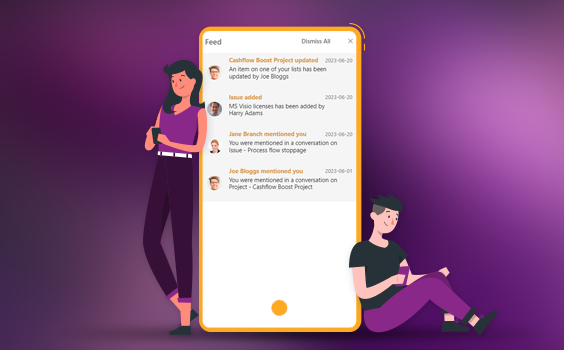
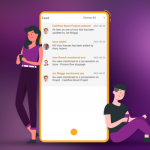
Are you tired of emails? Are you tired of flipping between apps all day? PPO has improved our Feed Widget to allow you to now get your notifications directly in PPO when it happens!

Ever wanted to copy a project because you’re doing the same project at two different sites or wanted to copy a risk because you have a similar risk on your project? Now you can!
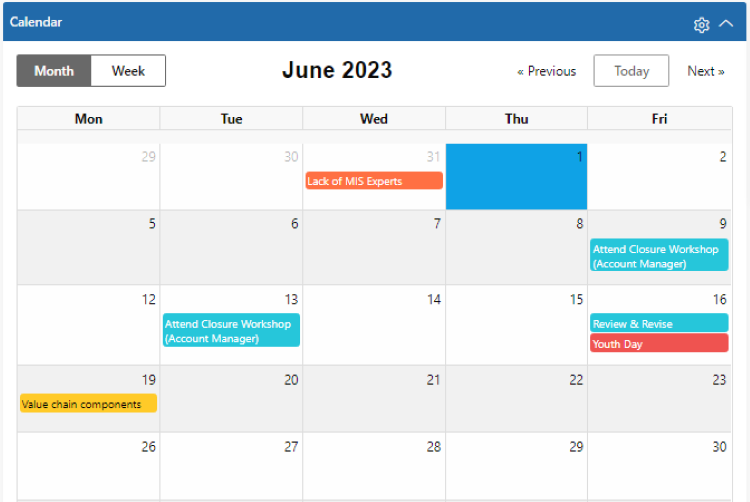
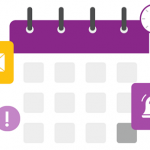
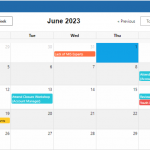
This visual calendar view will allow you to see when Key Milestones are due, when Projects have been Planned to Complete, when an Issue needs to be followed up and so much more!