

PPO Quick Tip: How to Use Your Homepage Dashboard for Morning Stand-Ups

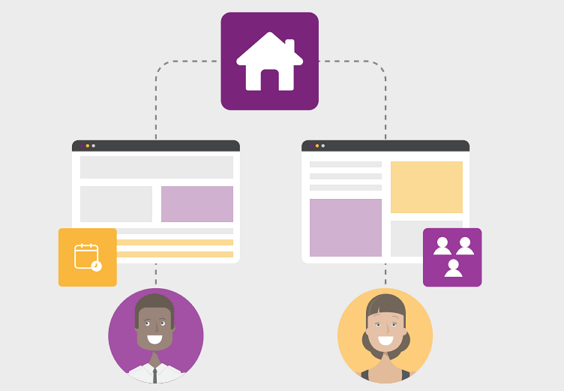
Illustration of two web pages connected to a central home icon, with a smiling man below one page and a smiling woman below the other. Small icons for a calendar and group of people are also shown.

In the latest PPO Quick Tip, Lindi Gerber, Support Manager at Project Portfolio Office, shows how she uses her customisable home page dashboard to run daily morning stand-ups.

From tracking late and in-progress sprints to monitoring the team’s remaining hours, the homepage dashboard gives Lindi full visibility of outstanding work. She shows how the board view allows her team to drag and drop to update statuses and reprioritise work using the side panel.

With key metrics, interactive boards, and other widgets, see how PPO’s homepage keeps teams organised, aligned, and focused every day.

Watch the short video to see her workflow in action and make your stand-ups more effective!

Black and white photo of a woman with straight dark hair, wearing a light-colored button-up shirt, smiling and looking slightly to the right of the camera against a plain background.

Author: Lindi Gerber

Lindi, as the Support Manager at PPO, is the heartbeat of the PPO support desk and the sensei to her support ninjas. Lindi loves spending time with her family, catching up on series, shopping , and she is a true wine aficionado.