
Category: Product News

Task-Level Planned Progress Calculation Now Available in PPO!

Illustration showing three avatars beside progress bars and a checklist; one bar reaches a “100%” flag, indicating completion of a task. Each avatar is associated with a progress bar and a checklist item.

PPO introduces Planned Progress Calculation at the Task Level, eliminating the need for MSP imports and making project tracking more seamless than ever. With this enhancement, task-level progress updates in real time, rolling up to summary tasks and the overall project for greater accuracy and transparency.

A Recap of PPO’s First Quarterly Product Webinar of 2025

Illustration of a computer monitor with website design elements, surrounded by icons of gears, a globe, envelope, light bulb, code, and stationery, representing web development and digital creativity.

Our first quarterly product webinar of 2025 was a deep dive into the latest PPO features, designed to streamline project planning and drive greater efficiency. From our enhanced Scheduler—with free training sessions every week in March and bi-monthly thereafter—to the improved Gantt widget and new drill-down capabilities. A highlight of the session was hearing from Victor Chidongo, Africa Head of PMO at Momentum Metropolitan, who shared how they’ve leveraged PPO’s Home Page Dashboard to manage their Africa portfolio and enhance benefits tracking.

Drill Through Across Multiple Pages

Illustration of a person next to checklists, gears, and a green checkmark, symbolizing task completion or workflow automation.

As a PPO Administrator, you no longer need to open a new administration tab just to navigate to a selected filter or a custom list within a dependency—we’ve streamlined the process to save you a few extra clicks!

Introducing Autosave on the Scheduler!

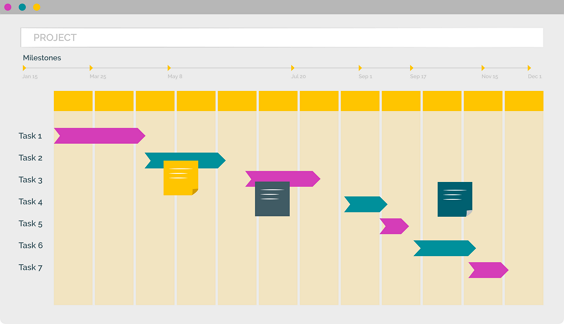
A simplified Gantt chart with colored bars representing tasks, a vertical dashed line with a triangle marker indicating the current date, and faded pie chart icons in the background.

Have you been using the PPO Scheduler to build your project schedule, only to lose your progress because you forgot to hit Submit, got timed out, or accidentally navigated away? It’s frustrating and disruptive—but not anymore!

Introducing the New Grid Widget

Illustration of a web browser window with code brackets, a calculator displaying 123, a large gold coin with a dollar sign, and two purple arrows forming a circle, with gears in the background.

Capturing and managing large datasets just got easier! With a faster, more intuitive interface, you can efficiently add and update data over multiple periods.

Introducing PPO’s New Scheduler

A simplified Gantt chart with colored bars representing tasks, a vertical dashed line with a triangle marker indicating the current date, and faded pie chart icons in the background.

Streamline your project planning with PPO’s built-in Scheduler. From easy drag and drop scheduling, improved Gantt charts to progress roll-ups and real-time calculations, manage everything in one place—no third-party tools needed.